Measure and Scale v1.1.5
Measure and Scale 测量和缩放是一款非常简单的插件,它允许您测量任意两个顶点之间的距离,并均匀缩放整个对象以匹配该测量值。此插件提供以下直观的工作流程:
选择网格上的一个顶点开始测量,然后将鼠标悬停(捕捉到)第二个顶点上,即可查看两点之间显示的实时距离。
右键单击可随时取消操作,或左键单击第二个顶点确认测量并继续缩放。
将出现一个对话框,显示测量的距离。输入您希望该段的尺寸。整个对象将均匀缩放以匹配您的目标尺寸,并自动应用缩放比例。
支持公制(米、厘米、毫米)和英制(英尺、英寸)单位。
查找:3D 视图 > 侧边栏(N 面板)> 项目选项卡 > 测量和缩放
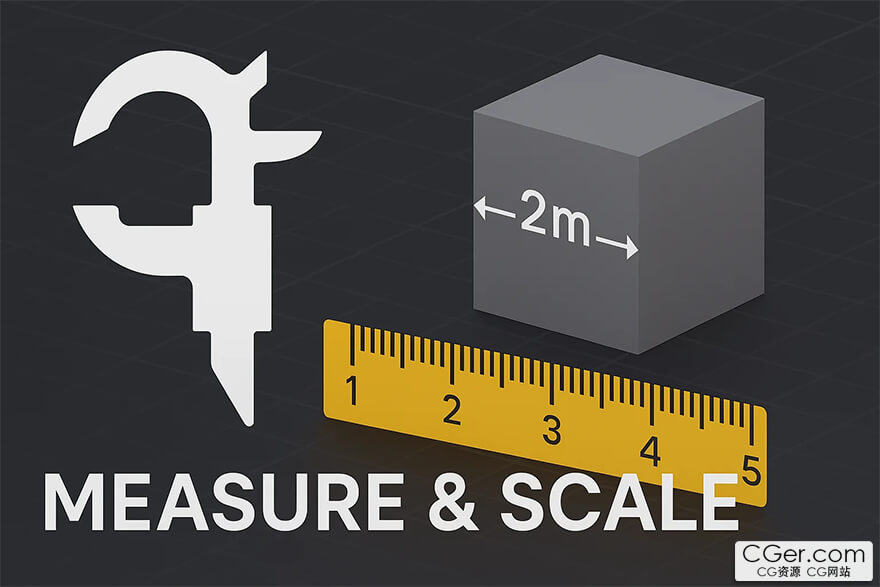
Measure and Scale is a very simple addon that allow you to Measure between any two vertices and uniformly scale the entire object to match that measurement. This addon provides the following intuitive workflow:
Select a vertex on your mesh to begin measuring then simply hover over (snap to) a second vertex to see the live distance displayed between the two points.
Right-Click anytime to cancel the operation or Left-Click the second vertex to confirm the measurement and proceed to scaling.
A dialog box appears showing the measured distance. Enter the dimension you want that segment to be. The entire object will be uniformly scaled to match your target dimension, with the scale automatically applied.
Supports Metric (m, cm, mm) and Imperial (ft, in) units.
Find it: 3D Viewport > Sidebar (N-Panel) > Item Tab > Measure and Scale
描述:
标签: blender 插件 软件 工具分类:资源 > 软件资源 > Blender及其插件
发布:CGer | 查看: | 发表时间:2025/9/27 16:49:06 | 更新时间:2025/9/27 17:08:15
○ 充值或账号问题请【点击这里联系站长】 |

| 网盘下载链接 | 链接: https://pan.baidu.com/s/11l7o8jj1ks5h5t4hKf2r-g?pwd=pr68 提取码: pr68 |
| 常见问题,点击查询: | ||
| ●CGer(Cg儿)资源下载帮助 | ||
| ●资源名词解释 | ||
| ●注册/登陆问题 | ||
| ●充值出错/修改密码/忘记密码 | ||
| ●充值赠送系统 | ||
| ●文件解压出错/解压密码 | ||
| ●Payment with Paypal | ||
| ●哪些资源会被列为付费资源 | ||
| ●为何要充值解锁 | ||
| ●免责条款 | ||
| ●联系站长(联系站长前请先仔细阅读 免责条款 ,网站只提供资源,不提供软件安装等服务!) | ||





-

网站置顶/公示帖集合
4 0 0
资源 > 软件资源 > Blender及其插件
-

网站置顶/公示帖集合
117 0 2
资源 > 软件资源 > Blender及其插件
-

网站置顶/公示帖集合
677 0 4
资源 > 软件资源 > Blender及其插件