Ultimate Animations v1.0.1
Blender 的 14 种出现和消失特效。
功能:
- 14 种不同的动画特效
- 完全控制时间轴
- 调整每种特效的强度
- 组合特效
- 控制动画的流畅度
安装:
1. 下载 ultimate_animations.zip
2. Blender → 编辑 → 首选项 → 插件 → 安装
3. 选择 ZIP 文件
使用:
1. 在 3D 视图中选择对象
2. 调整动画设置
3. 点击“创建动画”
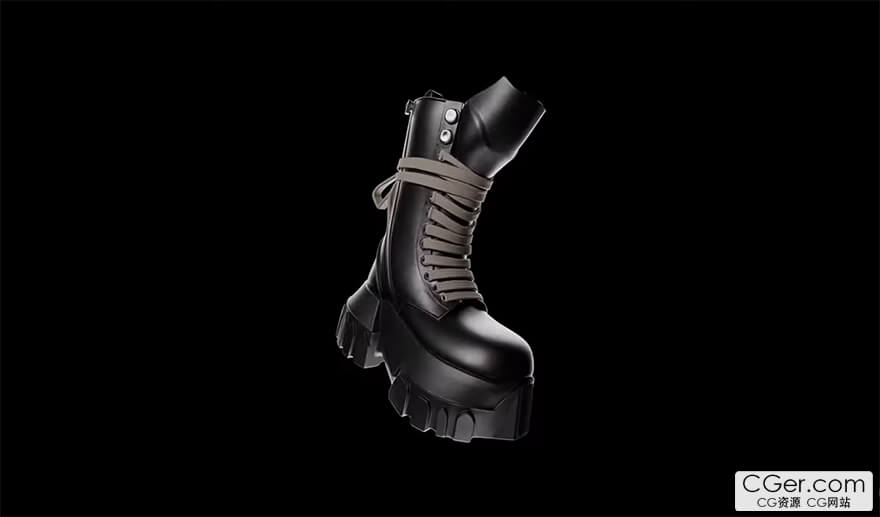
14 Appearance and Disappearance effects for Blender
Features:
- 14 different animation effects
- Full control over the timeline
- Adjust the strength for each effect
- Combining effects
- Control the smoothness of the animation
Installation:
1. Download ultimate_animations.zip
2. Blender → Edit → Preferences → Add-ons → Install
3. Select the ZIP file
Using:
1. Select objects in the 3D View
2. Adjust the animation settings
3. Click "Create Animation"
描述:
标签: blender 插件 软件 工具 动画分类:资源 > 软件资源 > Blender及其插件
发布:CGer | 查看: | 发表时间:2026/1/11 14:37:59 | 更新时间:2026/1/11 22:15:05
○ 充值或账号问题请【点击这里联系站长】 |

| 网盘下载链接 | 链接: https://pan.baidu.com/s/1uCBKCdzqErSug0BqkAVIGA?pwd=8pw6 提取码: 8pw6 |
| 常见问题,点击查询: | ||
| ●CGer(Cg儿)资源下载帮助 | ||
| ●资源名词解释 | ||
| ●注册/登陆问题 | ||
| ●充值出错/修改密码/忘记密码 | ||
| ●充值赠送系统 | ||
| ●文件解压出错/解压密码 | ||
| ●Payment with Paypal | ||
| ●哪些资源会被列为付费资源 | ||
| ●为何要充值解锁 | ||
| ●免责条款 | ||
| ●联系站长(联系站长前请先仔细阅读 免责条款 ,网站只提供资源,不提供软件安装等服务!) | ||





-
网站置顶/公示帖集合
1544 0 1
资源 > 软件资源 > Blender及其插件
-

网站置顶/公示帖集合
482 0 11
资源 > 软件资源 > Blender及其插件
-
网站置顶/公示帖集合
15046 1 43
资源 > 软件资源 > Blender及其插件