Kimodo Blender Bridge v1.5.0
Kimodo Blender Bridge — 在 Blender 内部直接生成 AI 动作的插件。
专为希望在场景中使用 NVIDIA Kimodo 的文字生成动作 AI 技术、但不想触碰终端、复制 BVH 文件或离开 Blender 的 Blender 动画师打造。以下是您可从此插件中获得的功能的简要说明:
Kimodo Blender Bridge 存在的原因
Kimodo 是目前最强大的 AI 动作模型之一 - 但使用它意味着要在终端中运行 Python 脚本、保存 BVH 文件、手动导入,并且每次调整提示词时都要重复这一循环。我构建 Kimodo Blender Bridge 是为了将整个流程压缩到一个 N 面板中。输入提示词,点击生成,动作就会直接加载到您场景中的骨骼上。模型加载一次后即保持就绪状态,因此迭代速度仅受您的 GPU 性能影响。
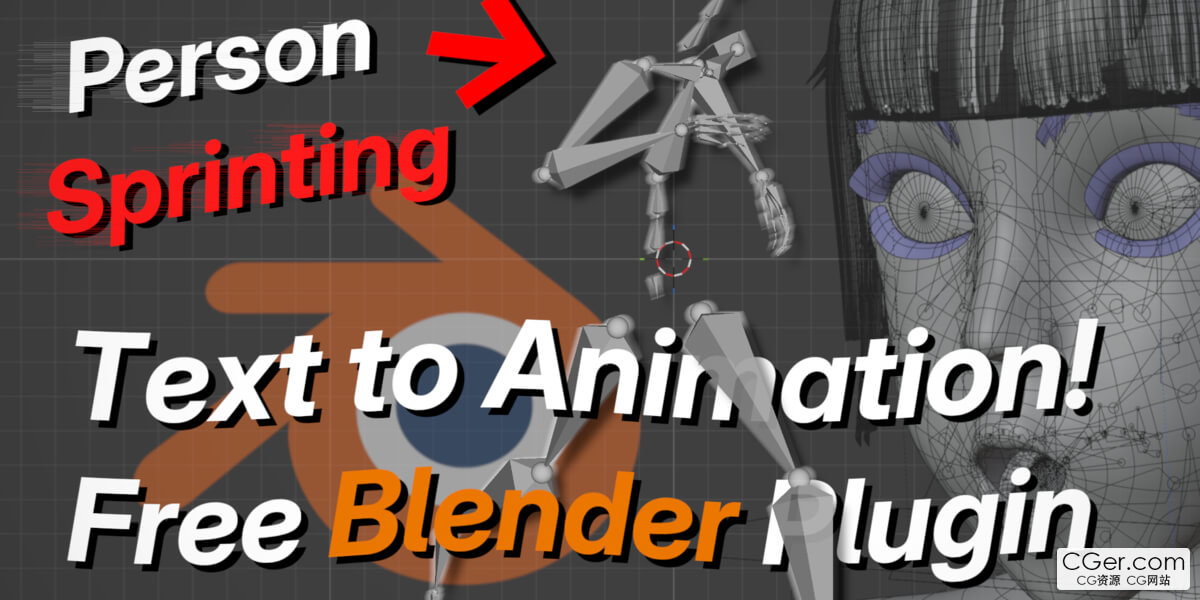
Kimodo Blender Bridge — Generate AI Motion Directly Inside Blender
For Blender animators who want NVIDIA Kimodo's text‑to‑motion AI in their scene without touching a terminal, copying BVH files, or leaving Blender. Here's a simple explanation of what you can expect from this plugin:
Why Kimodo Blender Bridge exists
Kimodo is one of the most capable AI motion models out there — but using it meant running Python scripts in a terminal, saving BVH files, importing them manually, and repeating that loop every time you wanted to tweak a prompt. I built Kimodo Blender Bridge to collapse that entire pipeline into a single N‑panel. Type a prompt, click generate, and the motion lands directly on an armature in your scene. The model loads once and stays ready, so iteration is as fast as your GPU.
描述:
标签: blender 插件 软件 工具分类:资源 > 软件资源 > Blender及其插件
发布:CGer | 查看: | 发表时间:2026/6/17 20:48:30 | 更新时间:2026/6/17 20:53:05
○ 充值或账号问题请【点击这里联系站长】 |

| Kimodo Blender Bridge v1.5.0 链接: https://pan.baidu.com/s/1oFjc63eKFFm2dPdYurX6Ag?pwd=327w 提取码: 327w | |
| 常见问题,点击查询: | ||
| ●CGer(Cg儿)资源下载帮助 | ||
| ●资源名词解释 | ||
| ●注册/登陆问题 | ||
| ●充值出错/修改密码/忘记密码 | ||
| ●充值赠送系统 | ||
| ●文件解压出错/解压密码 | ||
| ●Payment with Paypal | ||
| ●哪些资源会被列为付费资源 | ||
| ●为何要充值解锁 | ||
| ●免责条款 | ||
| ●联系站长(联系站长前请先仔细阅读 免责条款 ,网站只提供资源,不提供软件安装等服务!) | ||





-

网站置顶/公示帖集合
10282 2 20
资源 > 软件资源 > Blender及其插件
-

网站置顶/公示帖集合
15 0 0
资源 > 软件资源 > Blender及其插件
-

网站置顶/公示帖集合
494 0 11
资源 > 软件资源 > Blender及其插件