Foxit PDF Editor Pro 2026.1.3 x64
Foxit PDF Editor Pro 2026.1.3 x86
Foxit PDF Editor Pro 2026.2.1.39815 Win64
Foxit PDF Editor(曾用名 Foxit PhantomPDF)是一款面向企业的 PDF 工具包,用于创建专业外观的 PDF 文档和表单。 您可以使用它完成诸如开发个人文档、实施工作组协作、设计公司表单、制作公司宣传材料、敲定协议、应用数字签名或文档归档等任务。
屡获殊荣的 Foxit PDF 创建器让您能够快速、经济且安全地生成外观精美的 PDF 文档和表单。这是家庭/家庭办公室、中小型企业以及大型企业的理想解决方案。Foxit PDF Editor 提供三个版本,以满足不同用户的多样化使用需求。
该 Foxit 软件可以合并、拆分或重新打包各种 PDF 文件。文档可以根据页码、页面轮廓或书签进行合并或拆分。此外,该套件还可以将现有文档批量转换为单个或多个 PDF 文件。
Foxit PDF Editor 功能
像专业人士一样编辑 PDF
快速轻松地更新您自己的 PDF 文档。像文字处理器一样工作——跨段落、列和页面重排文本;更改文档布局、修改文本大小、字体或行距,并添加多媒体。共享和实时协作
连接团队成员以增强灵活性和成果。与领先的内容管理系统集成,利用流行的云存储服务,并启动共享审阅以提供和管理反馈。导出为流行文件格式
通过将 PDF 导出为 Word、PowerPoint、Excel、RTF、HTML、文本和图像格式,轻松共享 PDF 内容。可以导出整个文档或仅导出选定区域。创建 PDF 文档和表单
从几乎任何文件格式或网页创建 PDF、PDF/A、PDF/X 和 PDF/E。创建 PDF 作品集以轻松共享多个文件,并使用表单域识别快速创建交互式 PDF 表单以收集数据。渲染 PRC 3D PDF,并从 .DWG 文件创建 3D PDF。以简单的方式整理 PDF
整理和操作 PDF 页面以支持您的工作流程。合并和拆分文档;在文件内或从一个文档到另一个文档拖放页面;并添加图章、水印、页眉、页脚等。妥善保护 PDF
保护机密文档中的信息。永久密文删除文本和图像,使用密码加密或 Microsoft AIP 保护文档,清理文档,并对 PDF 进行数字签名。创建无障碍 PDF
使 PDF 文档可供残障人士访问,他们使用辅助技术获取信息。检查 PDF 文件的可访问性,以验证文档是否符合 508 技术标准。扫描和 OCR 纸质文档
将纸质文档或图像扫描并转换为 PDF。运行文本识别(OCR)以创建可选择和可搜索的文本。使文本可编辑,并像更新数字文档一样更新纸质副本。
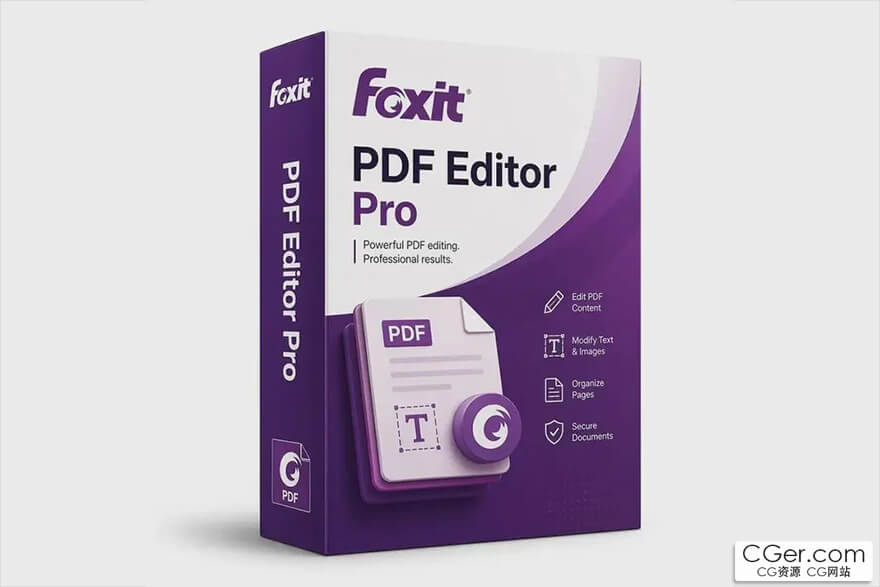
Foxit PDF Editor (formerly Foxit PhantomPDF) is a business‑ready PDF toolkit for creating professional‑looking PDF documents and forms. You can use it for tasks such as developing personal documents, implementing workgroup collaboration, designing company forms, producing company collateral, finalizing agreements, applying digital signatures, or document archiving.
The award‑winning Foxit PDF creator allows you to produce great‑looking PDF documents and forms quickly, affordably, and securely. This is the perfect solution for home/home offices, small and medium‑sized businesses, and large enterprises. Foxit PDF Editor comes in three versions to fit the diverse use cases that different users require.
This Foxit software can combine, split, or repackage various PDF files. Documents can be merged or split based on page numbers, page outlines, or bookmarks. Plus, this suite can batch convert existing documents to a single or multiple PDF files.
Foxit PDF Editor Features
Edit PDF like a pro
Quickly and easily update your own PDF documents. Works like a word processor — reflow text across paragraphs, columns, and pages; change document layout, modify text size, font, or line spacing, and add multimedia.Share and collaborate live
Connect teammates together to increase flexibility and results. Integrate with leading Content Management Systems, utilize popular cloud storage services, and initiate shared reviews to provide and manage feedback.Export to popular file formats
Easily share PDF content by exporting PDF to Word, PowerPoint, Excel, RTF, HTML, text, and image formats. Export the whole document or just a selected area.Create PDF docs and forms
Create PDF, PDF/A, PDF/X, and PDF/E from virtually any file format or web pages. Make PDF Portfolios to easily share multiple files together, and use Form Field Recognition to quickly create interactive PDF Forms to collect data. Render PRC 3D PDF and create 3D PDF from .DWG files.Organize PDF the simple way
Organize and manipulate PDF pages to support your workflows. Merge and split documents; drag and drop pages within a file or from one document to another; and add stamps, watermarks, headers, footers, and more.Protect PDF properly
Protect the information in your confidential documents. Permanently redact and remove text and images, secure documents with password encryption or with Microsoft AIP, sanitize documents, and digitally sign PDFs.Create accessible PDF
Enable PDF document accessibility for people with disabilities who use assistive technology to access information. Check the accessibility of PDF files to verify if the document complies with Section 508 technology standards.Scan and OCR paper docs
Scan and convert paper documents or images to PDF. Run text recognition (OCR) to create selectable and searchable text. Make text editable and update hard copies just like digital documents.
描述:
标签: pdf 阅读 编辑 软件 工具分类:资源 > 软件资源 > 软件资源:未分类
发布:CGer | 查看: | 发表时间:2026/8/19 15:04:24 | 更新时间:2026/10/4 18:12:41
○ 充值或账号问题请【点击这里联系站长】 |


点击消耗 10 CG点(约 1.0 元)解锁 30个通用资源, 24小时内有效!(有效期内不重复扣点)



| 常见问题,点击查询: | ||
| ●CGer(Cg儿)资源下载帮助 | ||
| ●资源名词解释 | ||
| ●注册/登陆问题 | ||
| ●充值出错/修改密码/忘记密码 | ||
| ●充值赠送系统 | ||
| ●文件解压出错/解压密码 | ||
| ●Payment with Paypal | ||
| ●哪些资源会被列为付费资源 | ||
| ●为何要充值解锁 | ||
| ●免责条款 | ||
| ●联系站长(联系站长前请先仔细阅读 免责条款 ,网站只提供资源,不提供软件安装等服务!) | ||