Creativemarket - INK. 41+ Clip Studio inking brushes 3462875 - 笔刷
这套工具可实现使用注满墨水的真实工具进行绘画和书写的效果。 本产品对于从事图形或书法艺术的你将会非常有用。
亲爱的同行们,
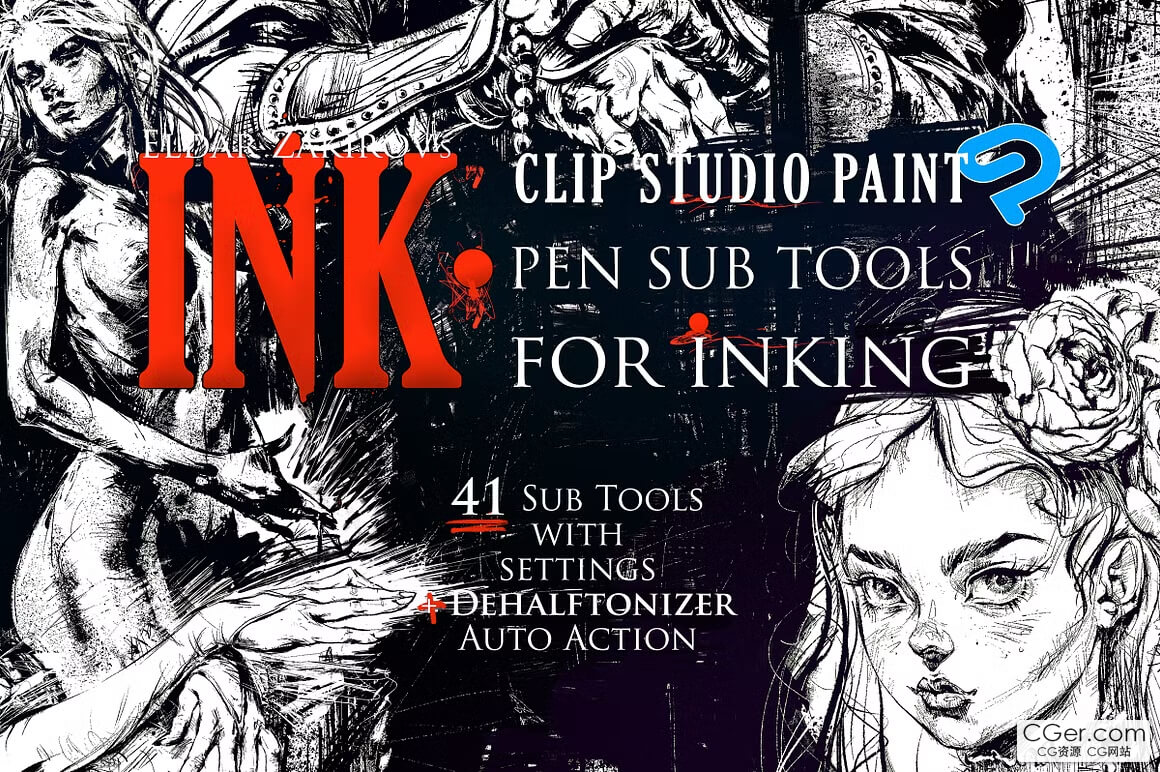
我很高兴向各位介绍 “INK.”,包含 41 个子工具及其墨线绘制设置:
38 个笔类子工具(带设置)+ 3 个飞溅/墨渍笔刷(与“SPLASHES”笔刷套装完全相同)+ 用于 100% 黑色的自动动作
这套工具可实现使用注满墨水的真实工具进行绘画和书写的效果。我真诚希望本产品对你非常有用,正如它在我进行图形或书法艺术创作时对我一样有用。
这些子工具已在 CLIP STUDIO PAINT 1.6.2、1.6.3 版本以及 Manga Studio 5 中测试过,因此所有更高(更新)版本肯定都能接受这些子工具。
当我开始在 Clip Studio Paint 中制作一批图形插画时,我需要把我大约两年前为 Photoshop 制作的所有“INK.”笔刷全部转移到 CSP 中。你知道 CSP 和 Photoshop 是相当不同的软件,设置也大相径庭,但最终,在制作一批新的图形艺术作品的过程中,我达成了目标,得到了在 CSP 中效果相似、甚至可能比我之前为 Photoshop 制作的更好的子工具。
• 你将获得:
41 个子工具,保存在 ZIP 压缩包“INK. Sub Tools Archive.zip”中,每个都保存为 41 个 SUT 文件之一,命名为“INK. ##-NAME©.sut”;
DEHALFTONIZER 自动动作,有两种选项:通用的 DEHALFTONIZER. Hard INK Drawing.laf,以及适用于旧版本(Manga Studio)的选项——DEHALFTONIZER Hard INK Drawing-for Manga Studio.laf。
INK. for CSP. Documentation. Manual & FAQs.pdf. 用户简短手册(PDF 格式),包含基本文档和常见问题解答。你可以在此下载:https://files.cargocollective.com/243906/INK.-for-CSP.-Documentation-Manual-FAQs.pdf
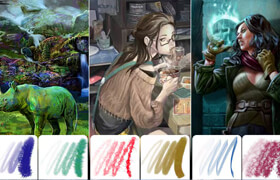
INK. 子工具笔触图表.jpg. 该套装笔刷的高分辨率(4568 × 2695 像素)列表图像,包含其标题和笔触/轨迹示例。按颜色细分为:
尖锐笔尖 — 10 支笔刷;
模拟鸭嘴笔或可乐笔侧面工作的笔刷 — 9 支笔刷;
不同长度和硬度、湿度及作用区域的笔刷 — 14 支笔刷;
喷雾笔刷 — 5 支笔刷;
附赠墨渍与飞溅笔刷 — 3 支笔刷;总计:41 支带设置的笔刷。
This set allows reaching the effects of drawing and writing with real instruments filled with ink. This product will be very useful for you working on graphic or calligraphic art.
Dear Colleagues,
I'm glad to introduce "INK.", 41 Sub Tools with settings for Inking:
38 Pen Sub‑tools with settings + 3 splash/blot brushes identical to the "SPLASHES" Brush set + Auto Action for 100% black
This set allows reaching the effects of drawing and writing with real instruments filled with ink. I sincerely hope that this product will be very useful for you, as it's useful for me when I'm using this by working on my graphic or calligraphic art.
The Sub Tools were tested in CLIP STUDIO PAINT versions 1.6.2, 1.6.3 and Manga Studio 5, so all higher (newer) versions surely accept these sub tools.
When I started working on a number of graphic illustrations in Clip Studio Paint, I needed to transfer into CSP all "INK." brushes I made during about two years of work earlier for Photoshop. You know that CSP and Photoshop are pretty different software with rather dissimilar settings, but finally, during work on a number of new graphic art pieces, I reached my goal and got the sub tools for CSP that work similarly and maybe even better than I made for Photoshop previously.
• YOU'LL RECEIVE:
41 sub tools saved in ZIP‑archive "INK. Sub Tools Archive.zip", each one is saved as one of 41 SUT‑file titled as "INK. ##‑NAME©.sut";
DEHALFTONIZER Auto Action, in two options: common DEHALFTONIZER. Hard INK Drawing.laf and an option for old versions (Manga Studio) — DEHALFTONIZER Hard INK Drawing‑for Manga Studio.laf.
INK. for CSP. Documentation. Manual & FAQs.pdf. User's short manual in PDF format, with basic documentation and frequently asked questions. You can download it here: https://files.cargocollective.com/243906/INK.-for-CSP.-Documentation-Manual-FAQs.pdf
STROKECHART of INK. Sub tools.jpg. The hi‑resolution (4568 × 2695 px) list image of Set's brushes with their titles and examples of their stroke/trail. Subdivided by color into:
Sharp Nibs — 10 brushes;
Brushes simulating the work of the side surface of the ruling pen or cola pen — 9 brushes;
Brushes with different lengths and hardness of hair, humidity, and action area — 14 brushes;
Spray brushes — 5 brushes;
Bonus Blot & Splash brushes — 3 brushes; Total: 41 brushes with settings.
描述:
标签: Clip Studio Paint 笔刷 资源 素材 画笔分类:资源 > 2D资源 > 其他2D软件的资源
发布:CGer | 查看: | 发表时间:2026/10/24 20:17:19 | 更新时间:2026/10/24 20:19:49
○ 充值或账号问题请【点击这里联系站长】 |


点击消耗 10 CG点(约 1.0 元)解锁 30个通用资源, 24小时内有效!(有效期内不重复扣点)



| 常见问题,点击查询: | ||
| ●CGer(Cg儿)资源下载帮助 | ||
| ●资源名词解释 | ||
| ●注册/登陆问题 | ||
| ●充值出错/修改密码/忘记密码 | ||
| ●充值赠送系统 | ||
| ●文件解压出错/解压密码 | ||
| ●Payment with Paypal | ||
| ●哪些资源会被列为付费资源 | ||
| ●为何要充值解锁 | ||
| ●免责条款 | ||
| ●联系站长(联系站长前请先仔细阅读 免责条款 ,网站只提供资源,不提供软件安装等服务!) | ||