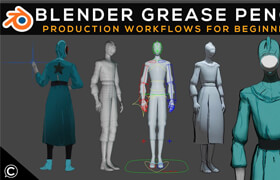
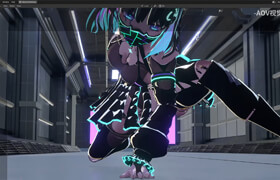
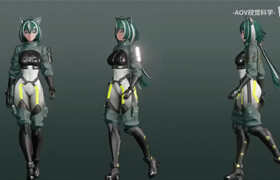
Class Creatives - Blender Grease Pencil Production Workflows for Beginners
探索完整的 Blender Grease Pencil 制作工作流程: 从零开始设计、构思、雕刻、绑定、动画和渲染一个顶级精英项目的全面步骤,并通过 2D Grease Pencil 渲染进行增强。
解锁蜘蛛侠宇宙管线
停止猜测,启用电影长片中使用的确切 Blender Grease Pencil 与 Maya 工作流程,以实现标志性的手绘美学。
课程描述
你在寻找一门逐步拆解工作室使用 Blender Grease Pencil 的绝密方法的课程吗?
学习用于为《蜘蛛侠:纵横宇宙》和《忍者神龟:变种大乱斗》等影片制作风格化渲染和 3D 资产的获奖专业工作流程。
由两位拥有认证大学教学经验的行业资深人士授课,使用 Blender 的 Grease Pencil 和 Autodesk Maya 从头到尾进行设计与创作。
这门综合课程将涵盖使用 Blender Grease Pencil 和 Autodesk Maya 创建顶级精英级动画电影所需的全部步骤。
我们将涵盖以下核心技能组合:
如何规划从零开始创建动画电影序列
如何通过初步概念艺术确立你的概念构思
故事板创作与最佳实践
如何创建和使用 2D 动态分镜
如何在 Blender 中根据创建的 2D 概念艺术进行 3D 角色雕刻
如何使用 Blender Toon Shader 创建风格化 3D 角色资产
如何使用 Blender 的纹理绘制
如何设置和使用 Blender Grease Pencil
如何使用 Blender 几何节点
如何在 Photoshop 和 Blender 中创建类似《蜘蛛侠:纵横宇宙》的冲击帧
在 3D 中绑定角色,以利用动作捕捉和在线 3D 动画库
使用运动路径和自动移动引擎部件绑定载具
如何在 Autodesk Maya 中使用关键帧和动作捕捉动画为角色制作动画
如何使用 iPhone 动作捕捉插件的虚拟摄像机
如何将摄像机和动画从 Maya 导出到 Blender 进行 Grease Pencil 渲染
为 3D 环境资产创建 Alembic 程序化动画
如何使用 Blender 的 Grease Pencil 创建带有 2D 线条细节的令人难以置信的风格化 3D 渲染
如何在 Blender 中创建 2D 动画 FX 以增强 3D 动画角色渲染
为你的电影项目进行音乐和音效时机把控与创作的最佳实践
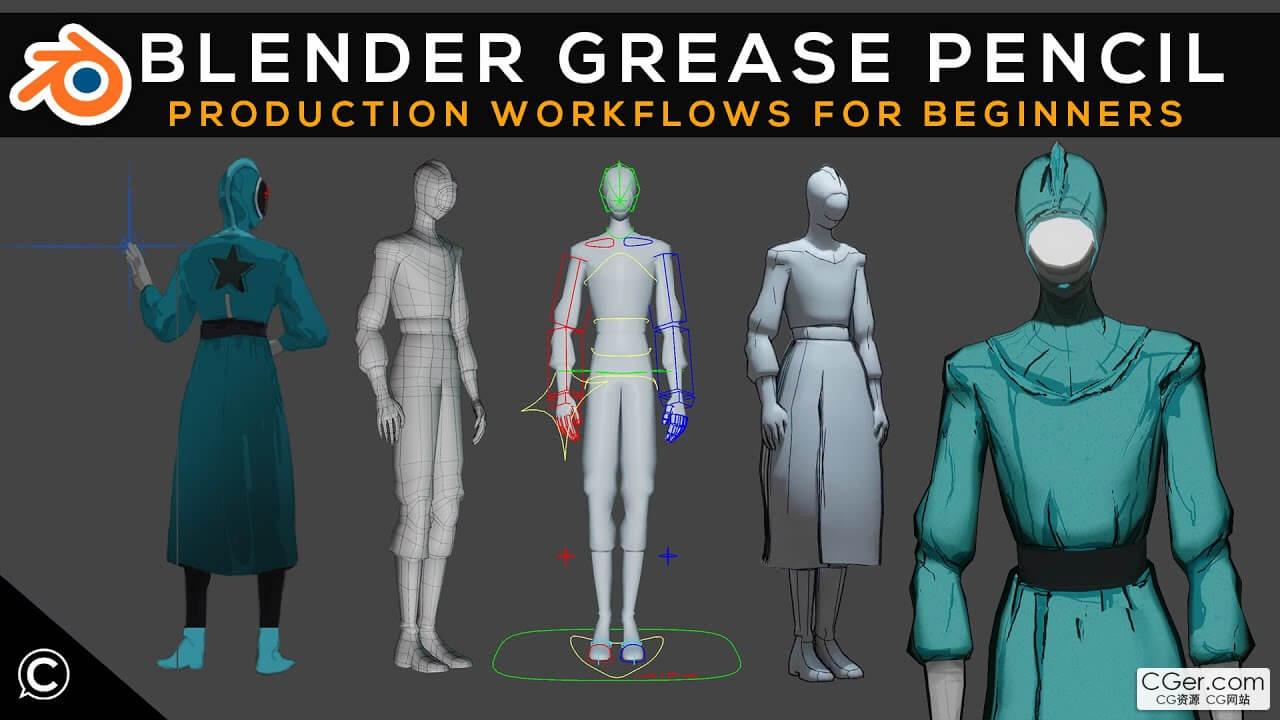
Discover the Complete Blender Grease Pencil Production Workflow: Comprehensive steps necessary to design, concept, sculpt, rig, animate, & render a top tier elite‑level project from scratch, enhanced by 2D Grease Pencil rendering.
Unlock the Spider‑Verse Pipeline
Stop guessing & enable the exact Blender Grease Pencil & Maya workflow used in feature film to achieve the signature hand‑drawn aesthetic.
Course Description
Are you looking for a course that breaks down the top‑secret methods used by studios to use Blender's Grease Pencil step‑by‑step?
Learn the award‑winning pro workflows used to produce stylized renders and 3D assets for films such as Across the Spider‑Verse & TMNT Mutant Mayhem.
Design and create from start to finish utilizing Blender's Grease Pencil and Autodesk Maya, taught by two industry veterans with accredited university instruction experience.
This comprehensive course will cover all the steps necessary to create a top tier elite level animated cinematic utilizing Blender Grease Pencil and Autodesk Maya.
We will cover the following core skill sets:
How to plan for creating an animated cinematic sequence from scratch
How to establish your conceptual ideation with preliminary concept art
Storyboard creation and best practices
How to create and work with a 2D animatic
How to sculpt the character in 3D from the created 2D concept art in Blender
How to use Blender Toon Shader to create stylized 3D character assets
How to use Blender's Texture Paint
How to setup and utilize Blender Grease Pencil
How to work with Blender Geometry Nodes
How to create impact frames in Photoshop & Blender similar to The Spider‑Verse
Rigging the character in 3D to take advantage of motion capture and online 3D animation libraries
Rigging a vehicle with a motion path and automated moving engine parts
How to animate the character in Autodesk Maya using both keyframe and motion capture animation
How to use Virtual Cameras with iPhone motion capture plug‑ins
How to export cameras and animation from Maya to Blender for Grease Pencil rendering
Alembic procedural animation creation for 3D environment assets
How to use Blender's Grease Pencil to create incredibly stylized 3D renders with 2D line work details
How to create 2D animation FX in Blender to enhance 3D animated character renders
Best practices for music and SFX timing and creation for your cinematic project
描述:
标签: blender 建模 绑定 动画 角色 教程分类:教程 > 3D教程 > Blender
发布:CGer | 查看: | 发表时间:2026/11/24 16:04:29 | 更新时间:2026/11/24 16:07:41
○ 充值或账号问题请【点击这里联系站长】 |


点击消耗 10 CG点 (约 1.0 元)可解锁 30个通用资源,24小时内有效!(有效期内不重复扣点)
| 常见问题,点击查询: | ||
| ●CGer(Cg儿)资源下载帮助 | ||
| ●资源名词解释 | ||
| ●注册/登陆问题 | ||
| ●充值出错/修改密码/忘记密码 | ||
| ●充值赠送系统 | ||
| ●文件解压出错/解压密码 | ||
| ●Payment with Paypal | ||
| ●哪些资源会被列为付费资源 | ||
| ●为何要充值解锁 | ||
| ●免责条款 | ||
| ●联系站长(联系站长前请先仔细阅读 免责条款 ,网站只提供资源,不提供软件安装等服务!) | ||